Snow Background
A downloadable tool
# Snow Background — Code Explanation
## Overview
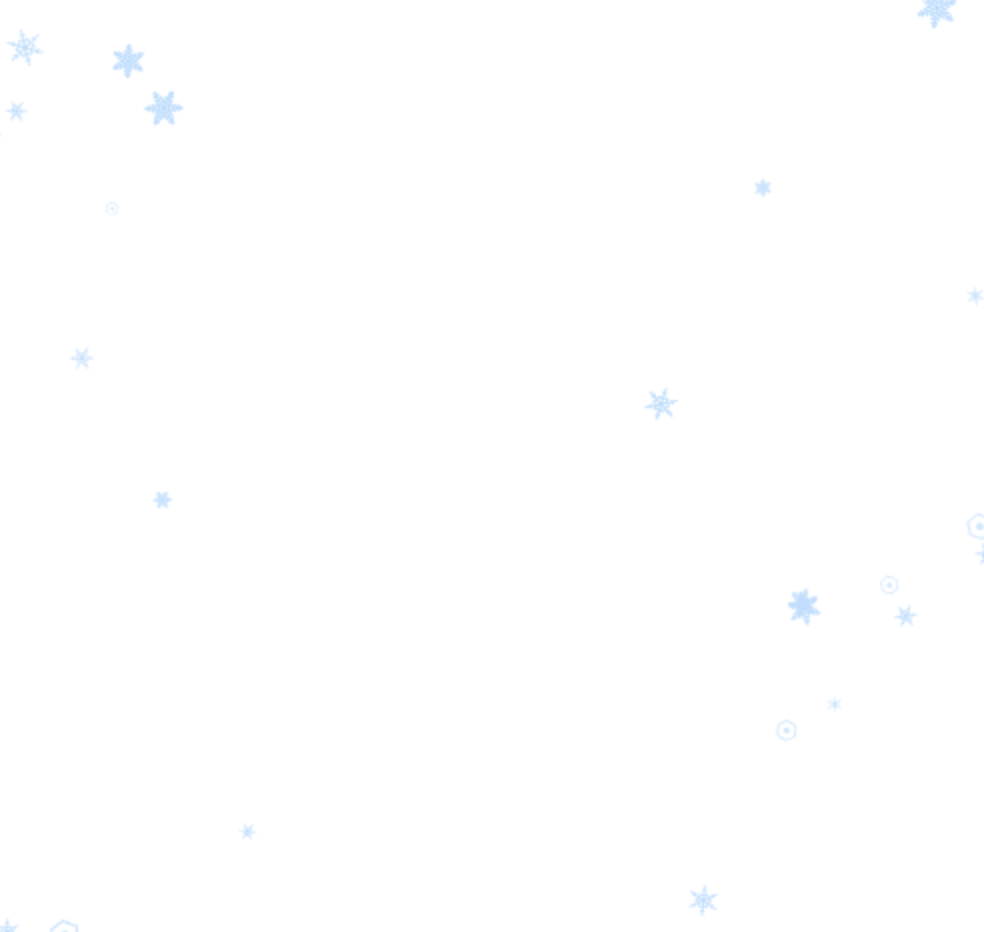
`index.html` is a self-contained, single-file web page that renders an animated snow effect over the entire viewport. It uses two stacked `<canvas>` elements and vanilla JavaScript (no external libraries) to simulate snowflakes falling from the top of the screen, drifting side to side, rotating, and accumulating as a fading pile once they reach the ground. Clicking anywhere on the page spawns an extra burst of snowflakes at the cursor position.
The page has no visible content of its own — it is designed to be layered as a decorative background (e.g., behind other content on a site), since both canvases are `position: fixed`, span the full viewport, and have `pointer-events: none` so they never block interaction with anything underneath.
## Document Structure
```html
<canvas id="groundCanvas"></canvas>
<canvas id="snowCanvas"></canvas>
```
- **`snowCanvas`** — draws the snowflakes that are currently falling.
- **`groundCanvas`** — draws the snowflakes that have already landed and are slowly fading out.
Both canvases are stacked with `z-index: 5`, cover `100% width` / `100dvh height`, and are pinned to the top-left corner via `position: fixed`. `overflow: hidden` on `<body>` prevents scrollbars from appearing because of the full-screen canvases.
## State
Two arrays hold the animation state:
| Variable | Purpose |
|---|---|
| `leaves` | Snowflakes currently falling (position, speed, sway, rotation, color, shape type) |
| `groundLeaves` | Snowflakes that have landed and are fading (capped at 50 entries, oldest removed first) |
## Key Functions
**`getScrollProgress()`**
Calculates how far the user has scrolled down the page, as a value from 0 to 1. It is computed but currently has no effect on the visuals — see "Notable Details" below.
**`getSnowColor()`**
Returns an `rgba(180, 220, 255, opacity)` string (a pale blue-white) with a randomized opacity between 0.6 and 0.9, giving each snowflake a slightly different translucency.
**`resizeCanvas()`**
Sets both canvases' pixel dimensions to match the current window size. Runs once on load and again on every `resize` event.
**`createSnow(x, y)`**
Adds a new snowflake to the `leaves` array. If no coordinates are passed, the horizontal spawn position is randomized but biased to avoid the center 60% of the screen width (so snow appears to fall along the left and right edges, leaving the middle clearer). Each snowflake gets randomized size, fall speed, horizontal sway (amplitude and speed), rotation and rotation speed, a color from `getSnowColor()`, and a `type` value (0–1) that selects which of three visual shapes it will render as.
**`addGroundSnow(x, y, color, size, type)`**
Moves a snowflake's final resting data into `groundLeaves` with a starting opacity of 0.5 and a random fade-out speed, so it can be drawn as an accumulating, slowly-disappearing pile on `groundCanvas`. The array is capped at 50 items.
**`drawSnow(ctx, x, y, size, rotation, color, type)`**
Draws a single snowflake, choosing among three hand-drawn crystal styles based on `type`:
- `type < 0.3` — a simple hexagon outline with a center dot.
- `type < 0.7` — a six-branch crystal with one tier of angled side-branches.
- `type >= 0.7` — a more elaborate six-branch crystal with multiple tiers of branches, sub-branches, tip decorations, and a small hexagonal core.
All three are drawn using canvas path/stroke/fill calls with the drawing context translated and rotated to the snowflake's position and angle.
**`updateLeaves()`**
Runs every animation frame. Clears `snowCanvas`, has a small chance (6%) of spawning a new snowflake (up to a cap of 40 simultaneous flakes), then for each existing snowflake: advances its fall (`y += speed`), updates its horizontal sway using a sine wave (`x = initialX + sin(swayOffset) * swayAmount`), advances its rotation, and either draws it or — once it crosses 95% of the canvas height — removes it from `leaves` and hands it off to `addGroundSnow()`.
**`updateGroundLeaves()`**
Runs every frame. Clears `groundCanvas`, reduces each landed snowflake's opacity by its `fadeSpeed`, removes any that have fully faded, and redraws the rest (at 80% of their original size, recolored to plain white with their current opacity).
**Click handler**
On `click`, spawns 3 additional snowflakes near the cursor position, staggered 100ms apart via `setTimeout`, each offset randomly ±25px horizontally.
**`animate()`**
The main loop: calls `updateLeaves()` and `updateGroundLeaves()` every frame via `requestAnimationFrame`, driving the whole effect indefinitely.
## Notable Details / Things to Know
- **`getScrollProgress()` is effectively unused.** `getSnowColor()` accepts a `scrollProgress` parameter and computes `progress` from it, but that value is never actually used when calculating opacity — opacity is purely `0.6 + Math.random() * 0.3`. This looks like leftover code from an earlier version (e.g., one where color/opacity changed with scroll position) that was simplified but not fully cleaned up.
- **Center-avoidance spawn logic** in `createSnow()` means snow visually clusters on the left and right thirds of the screen, which is useful if this background sits behind centered page content.
- **Population caps** keep performance bounded: at most 40 falling flakes and 50 landed flakes at any time.
- **No dependencies** — everything is plain HTML5 Canvas API and vanilla JavaScript; the file can be opened directly in a browser with no build step.
- **Comments in the source are written in Japanese**, describing each section's purpose (snow generation, color logic, drawing logic, click handling, etc.).
Download
Click download now to get access to the following files:
Leave a comment
Log in with itch.io to leave a comment.